
One stock record for every item in every location
Business Central maintains a single stock record for every item in every location. The data is accurate only when receiving, transfers and counts are all updated. Cactoz configures Business Central to achieve this for businesses in Singapore and Malaysia.
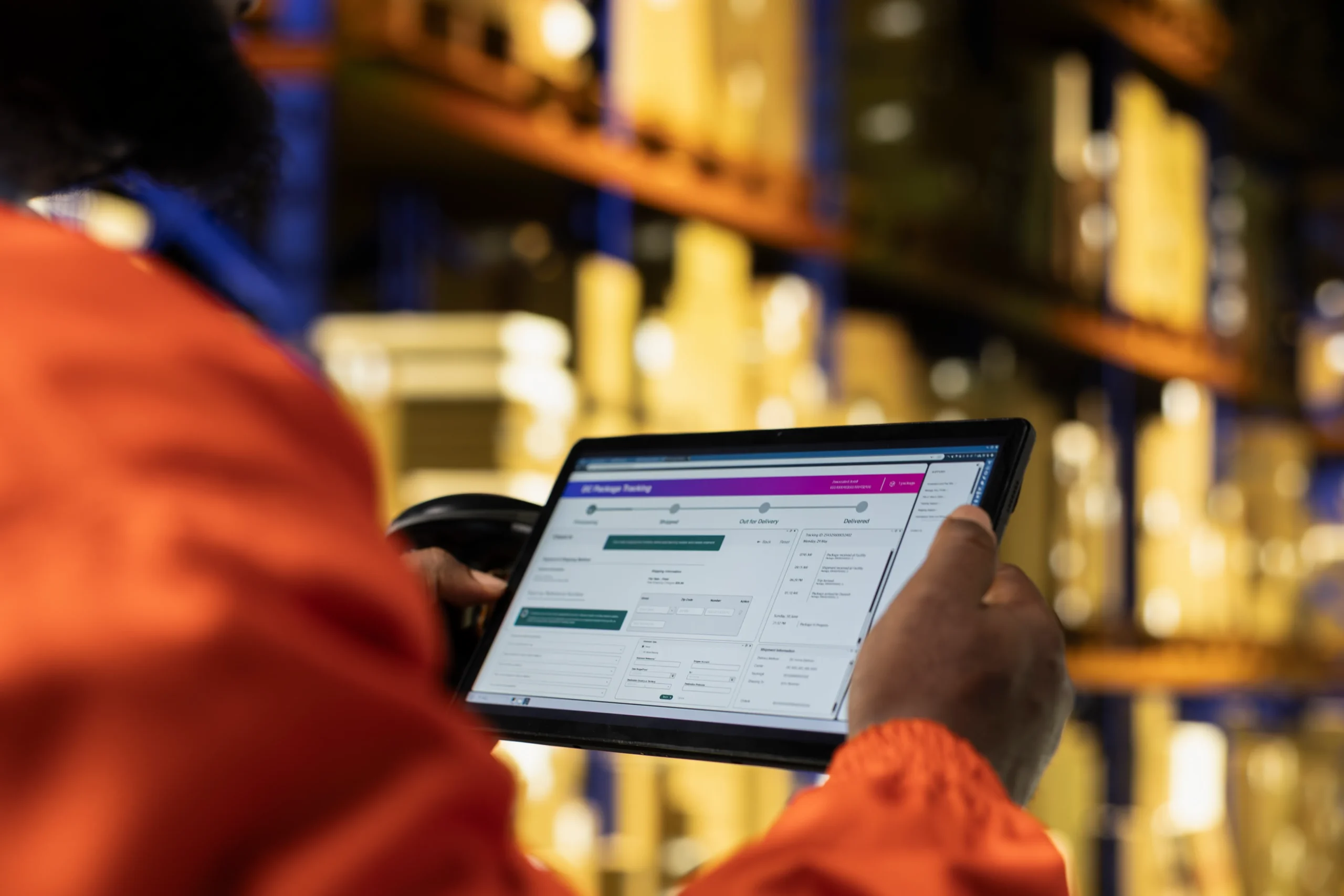
Cactoz configures locations, item tracking, stock counts and reorder rules to reflect how stock moves through your business. InventoryPro, our mobile application for Android, is currently in pilot with customers. Warehouse and store staff use it to count stock, check in deliveries against purchase orders and release purchase orders, scanning barcodes with the device camera.
What We Offer
Four areas managed in Business Central to maintain accurate stock records.
Stock visibility across locations
Business Central records what is held, where it is held and what has already been committed. Cactoz sets up the item data and locations on which those figures depend.
• Item availability by location, period and usage.
• Reservations against sales, purchase, transfer and production orders.
• Lot, serial and package tracking, including expiry dates.
• Standard inventory reports and the Inventory Power BI app for key performance indicators.
Counts and adjustments
Business Central manages stock counts through physical inventory orders. Cactoz configures them so that counting is divided between staff and differences are posted as adjustments.
• Physical inventory orders with expected quantities pre-filled.
• Counts allocated to individual employees by filter, which prevents duplicate counting.
• Differences posted to the item ledger as positive or negative adjustments.
• Lot and serial numbers handled for tracked items.
• Reclassification of lot or serial numbers and expiry dates.
Transfers and multi-location stock
Stock is frequently held at more than one location. Business Central tracks it between stores, warehouses and other locations, and Cactoz configures each location according to its operating requirements.
• Transfer orders with separate shipment and receipt steps.
• An in-transit location, so that stock still being moved is not shown as available.
• Direct transfers where the journey does not need to be tracked.
• Stockkeeping units for item details that differ by location or variant.
• Different levels of warehouse handling at each location, from no warehouse activity to directed pick and put-away.
Replenishment and forecasting
Business Central can propose purchase and transfer orders based on stock levels and expected demand. Cactoz sets the parameters at item or location level. The Supply Chain Management page describes the wider planning functions.
• Reorder points and safety stock.
• Four reordering policies: Fixed Reorder Qty., Maximum Qty., Order and Lot-for-Lot.
• Demand forecasts by location and variant, registered to allow for seasonal peaks or long supplier lead times.
Inventory Management Goes Beyond Stock Counting
Stock accuracy does not depend on a single feature. It results from correct data from receiving, transfers, counts and adjustments all being posted to the same item ledger, with locations and item tracking configured correctly at the outset.
This is where our own InventoryPro is a value add to our customers. Currently in pilot, it allows warehouse and store staff to count stock, check in deliveries and release purchase orders from an Android or iOS device. Counts are saved on the device during entry and sent to Business Central on completion. Enquiries about the pilot are welcome.

Other Services
Infrastructure Services
At Cactoz, we are dedicated to providing exceptional infrastructure technology services that empower your business to thrive in the digital age.
Project Management Services
At Cactoz, we specialize in providing top-tier project management services for IT infrastructure and Dynamics Business Central projects.